

The PIXIE integration range.
Six devices that extend what PIXIE can do.
From centralised touch control to dry contact interfacing, blind motor control to remote push notifications - these are the devices that connect PIXIE to the wider world of a smart home.
Part #: STP54BTAS
Centralised control.
From one place on the wall.
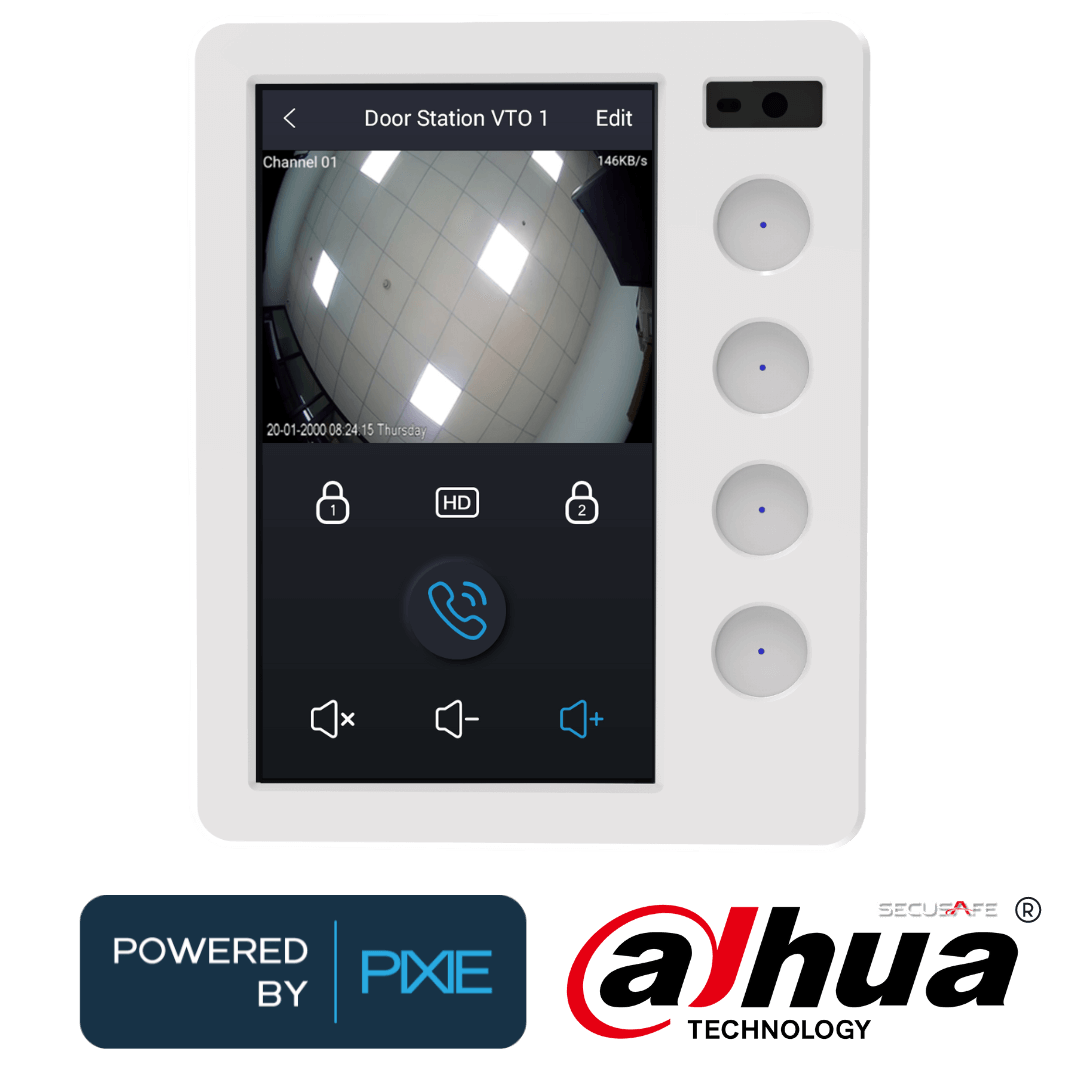
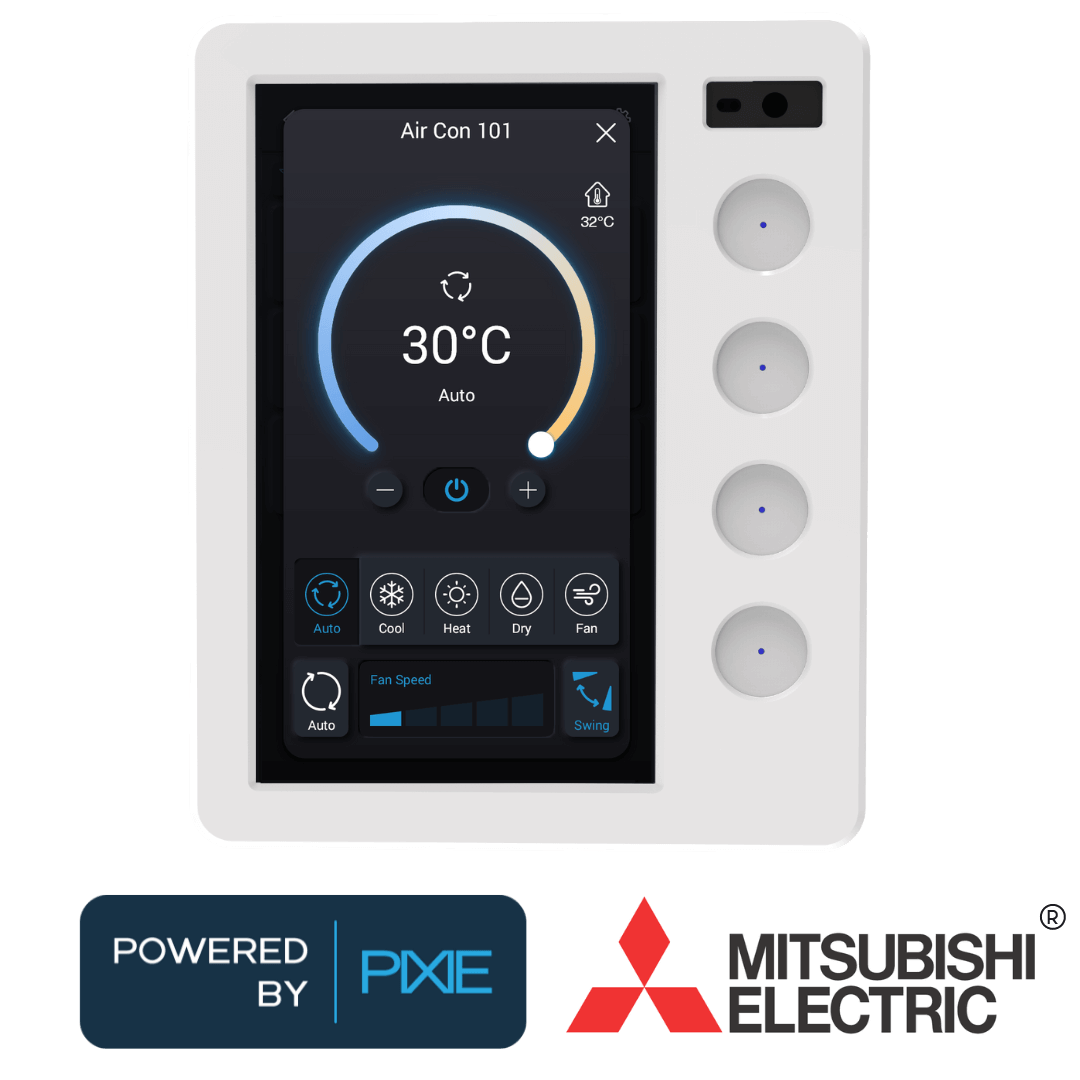
The PIXIE Ambience Touch Panel delivers a centralised control point for any PIXIE smart home. A smooth 5.5-inch touchscreen manages lights, fans, blinds and scenes across the whole home, while four dedicated multifunction buttons give rapid access to the functions used most. Up to 8 panels per home. Three finishes.

Available in White Gloss, Matt Black and Matt Grey
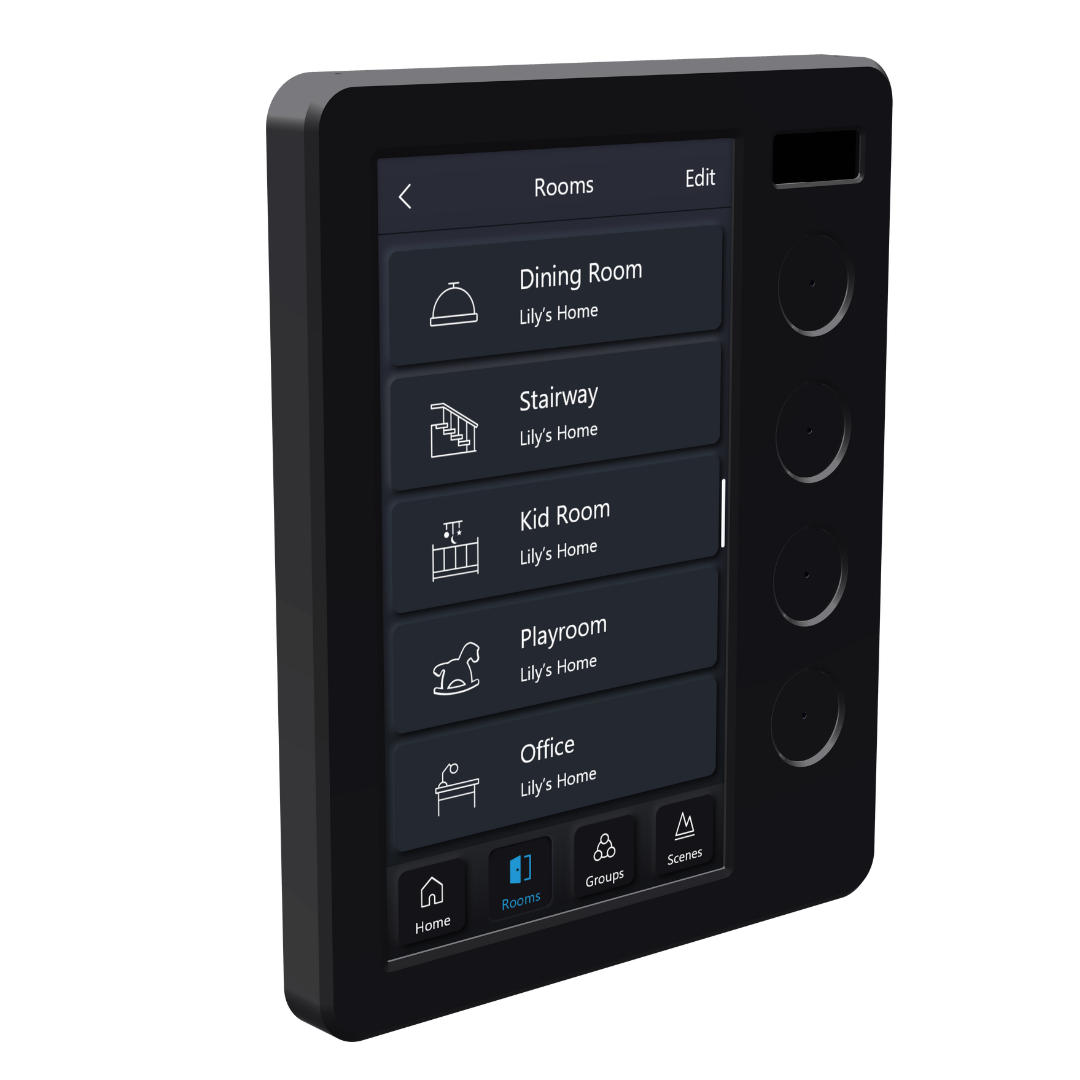 Matt Black
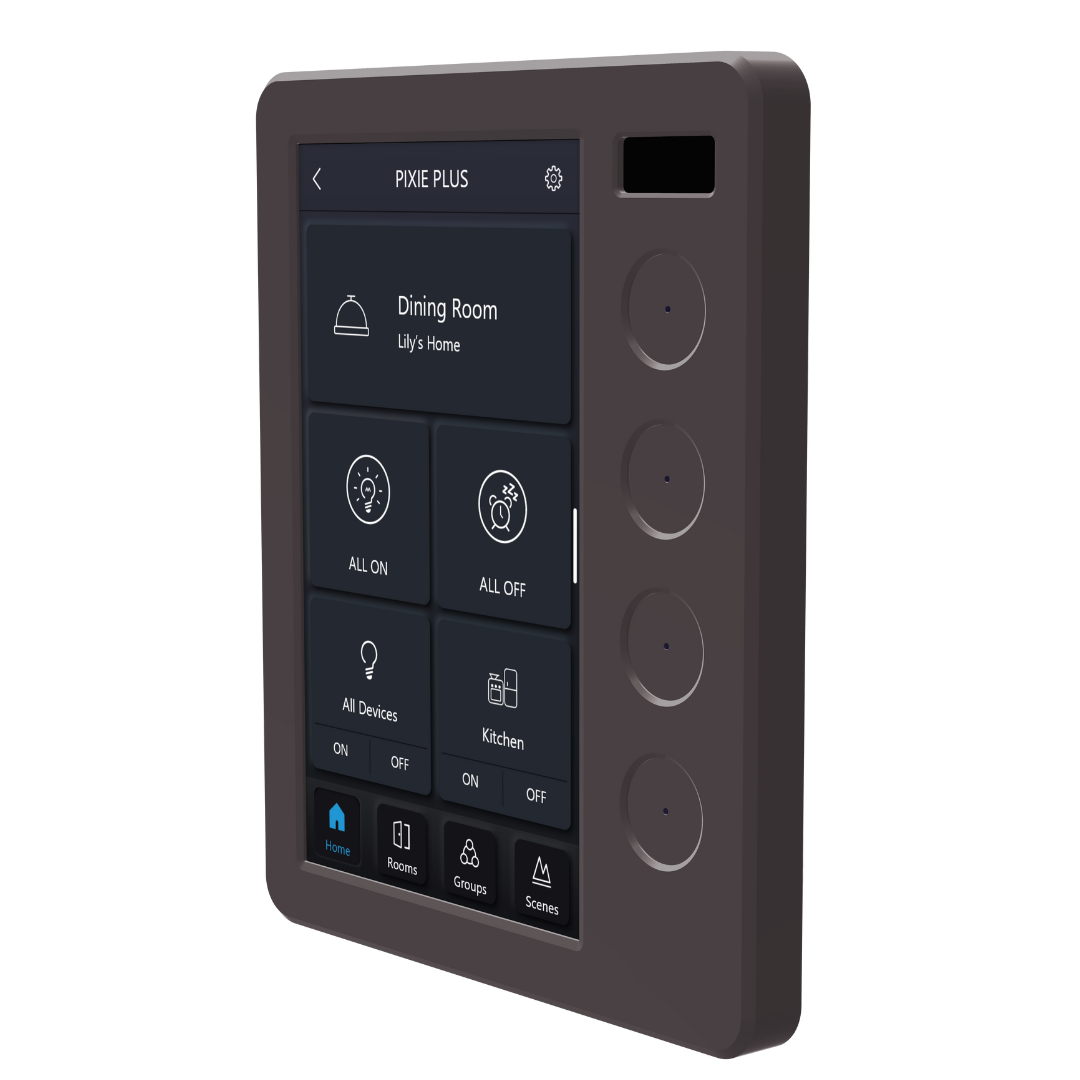 Matt Grey
 White Gloss
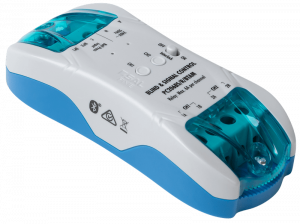
Part #: PC206BS-R-BTAM
Blinds, curtains, awnings and signals.
One controller covers all of it.
The Blind and Signal Controller handles 3-wire and 4-wire motorised blind and curtain control, garage door and gate integration, and dry contact outputs for on-site interfacing with third-party systems. Two independent 6A relays, bell press inputs, an interlock switch, and 24/7 scheduling built in.
Ideal for most blind, curtain and awning motors where the motor manufacturer supplies a control box. The BSC provides dry contact pulse and latch signals as required by that control box for full open, close and stop operation.
For 4-wire motors with direct connection to the motor itself. Built-in interlock switch prevents simultaneous up and down relay activation, which protects the motor from damage. Set favourite partially-open positions via the app.
Compatible with all garage door motors that have a key-switch input or OSC (Open-Stop-Close) input on the control board - which covers most motors produced in the last two decades. Voice control integration: "Hey Siri, I'm home" can open the garage and light a path to the kitchen.
Integrate any third-party system, motor or device that accepts dry contact input signals. AV equipment, projector screens, some AC systems, and other hardware that responds to dry contact inputs can be wired into PIXIE control via the BSC's relay outputs.
When on-wall control of blinds is needed, a PIXIE Rotary Controller (SMFR/BTAS) is more cost-effective and intuitive than adding separate Up/Stop/Down buttons for every motor.
- Rotate counter-clockwise to close
- Rotate clockwise to open
- Single tap to stop
Part #: PC206DR-R-BTAM
Two relays. No minimum load.
Built for the jobs switches can't handle.
The Dual Relay Controller brings two independent 6A relays into the PIXIE ecosystem with no minimum load requirement. That makes it the right choice for garden lighting, CV LED drivers, iron core transformers, 3-wire sensor configurations, and AC ceiling fan speed control - applications where a standard smart switch isn't the right tool.
Using a standard PIXIE smart switch (SWL600BTAM or STS600BTAM) to control CV LED drivers or iron core transformers risks irreversible device damage. These loads often have poor power factor and high inrush current that exceeds switch tolerances regardless of stated wattage. The PC206DR-R-BTAM has no minimum load requirements and is the correct device for these applications.

Two independently controllable 6A relays for switching lighting loads across multiple circuits. No minimum load - suitable for applications that defeat standard smart switches.
Integrate any 3-wire sensor into PIXIE to create three smart operating modes with app control, voice control, scenes, groups and 24/7 scheduling.
3-speed AC ceiling fan control using smart wiring and the DRC's relay outputs. Uses the capacitor supplied by the AC fan manufacturer for speed control. Add a PIXIE Rotary Controller on the wall for single-device speed selection.
Two devices. Very different jobs.
Both the Translator and the Transceiver handle dry contact signals and both connect to the PIXIE Bluetooth Mesh. But what they do with those signals is quite different. Knowing which one to specify matters.
Now part of PIXIE.
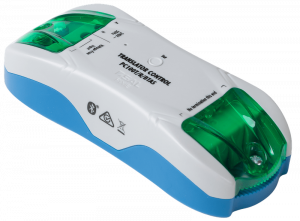
The Translator receives a dry contact closure and translates it into a PIXIE message. One dry contact input. When it closes, PIXIE responds. No gateway required - the link is immediate and local.
Ideal for:
- Alarm and security system integration
- AV integration - trigger a Movie scene when the projector activates
- Legacy lighting control (CBUS, Dynalite, Control4, KNX) during renovations
- Adding a physical push button where wiring a PIXIE switch is not practical
- Wiring a bell press into PIXIE without replacing the existing button
From anywhere in the world.
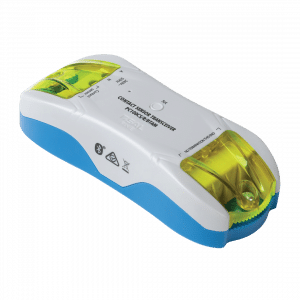
The Transceiver monitors the dry contact input and it can receive signals from external devices AND send control signals out. Its defining capability is push notifications and arm / disarm capabilities including scheduling arming state: when a connected device triggers (if device is armed), the Transceiver fires an alert directly to mobile devices anywhere in the world.
Ideal for:
- Smoke alarms - connect the alarm's dry contact output; receive a push notification if it triggers
- Door and gate sensors - know when a gate opens or a door is accessed remotely
- Motion alerts - receive a push notification when a sensor triggers, even when away from home
- Any application where remote awareness and notification matter
Side by side
| Feature | Translator PC100T-R-BTAS |
Transceiver PC100CS-R-BTAM |
|---|---|---|
| Dry contact inputs | Yes1 input | Yes1 input |
| Relay outputs | NoUse PC206BS-R-BTAM | NoUse PC206BS-R-BTAM |
| Push notifications | No | YesGateway required |
| Works without gateway | YesFully local | YesTriggers only, no alerts |
| Doubles as mesh booster | YesSame as SGB3BTAS | YesSame as SGB3BTAS |
| Latch / unlatch logic | Yes | Yes |
When the building you need to control
isn't the building you're standing in.
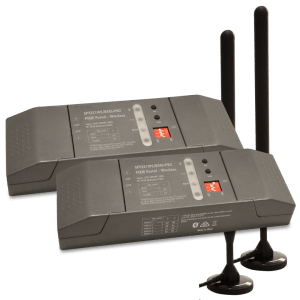
PIXIE Portal solves the job electricians hit on large residential and light commercial sites: separate structures that need to behave as one PIXIE installation. No data cable trenches between buildings, no second internet connection, no I.T. contractor. A pair of Portal units creates a dedicated 120m wireless bridge between two separate PIXIE mesh zones - and both locations behave as one continuous system.
Main residence plus a guest cottage, studio, garage, or pool house on the same block. One PIXIE system, one app, no cable between buildings. Your client gets whole-property control. You avoid running conduit across open ground.
Standard Bluetooth Mesh runs out of road in large open-span buildings. A Portal pair bridges the gap between the front office mesh and the far end of the facility without needing a second gateway or data cable down the length of the building.
Clubhouse control extended to field lighting poles, courts, and separate amenity buildings across the grounds. Schedule, automate, and remote-monitor everything from one PIXIE system. No network at each remote location.
Sheds, workshops, machinery stores, and outbuildings spread across large rural blocks. Bring them all under one PIXIE installation across open ground. No laying data cable, no conduit through paddocks, no extra router.
Each Portal pair has a Main Station at the primary PIXIE installation and a Satellite Station at the remote building. Both connect to their local mesh normally. The Portal creates a dedicated directional wireless link between them - up to 120 metres open-air.
Control is fully bidirectional. A switch in the outbuilding can control lights back in the main house, and vice versa. The two locations behave as one continuous PIXIE mesh.
Each Portal includes IP65-rated external antennas on 3-metre cables, so the stations sit protected indoors while the antennas mount outside for clear line of sight between buildings.
Compatible with SAL PIXIE and PIXIE PLUS apps.
No Wi-Fi or internet connection required at the remote location.
Building Main Station
Building Satellite Station
- Sold as a pair (SPT321WS-BTAS PK2) - components are not sold separately
- Directional bridge: line of sight between antennas is required; antenna placement matters
- When using more than one pair, antennas must be at least 2 metres apart to avoid interference
- Heavy rain can attenuate signal by up to 20%; factor this in when speccing near the 120m limit
- Maximum of 4 Portal pairs per PIXIE Gateway or home installation
- Gateway is not required for the Portal to operate
The job keeps running.
Even when nobody's watching.
Everything you need.
All in one place.
Datasheets, installation manuals, wiring diagrams, and a full support knowledge base for every PIXIE integration product.
Toll-free support: 1800 256 843 | info@pixiepartners.com.au