

SECONDARY

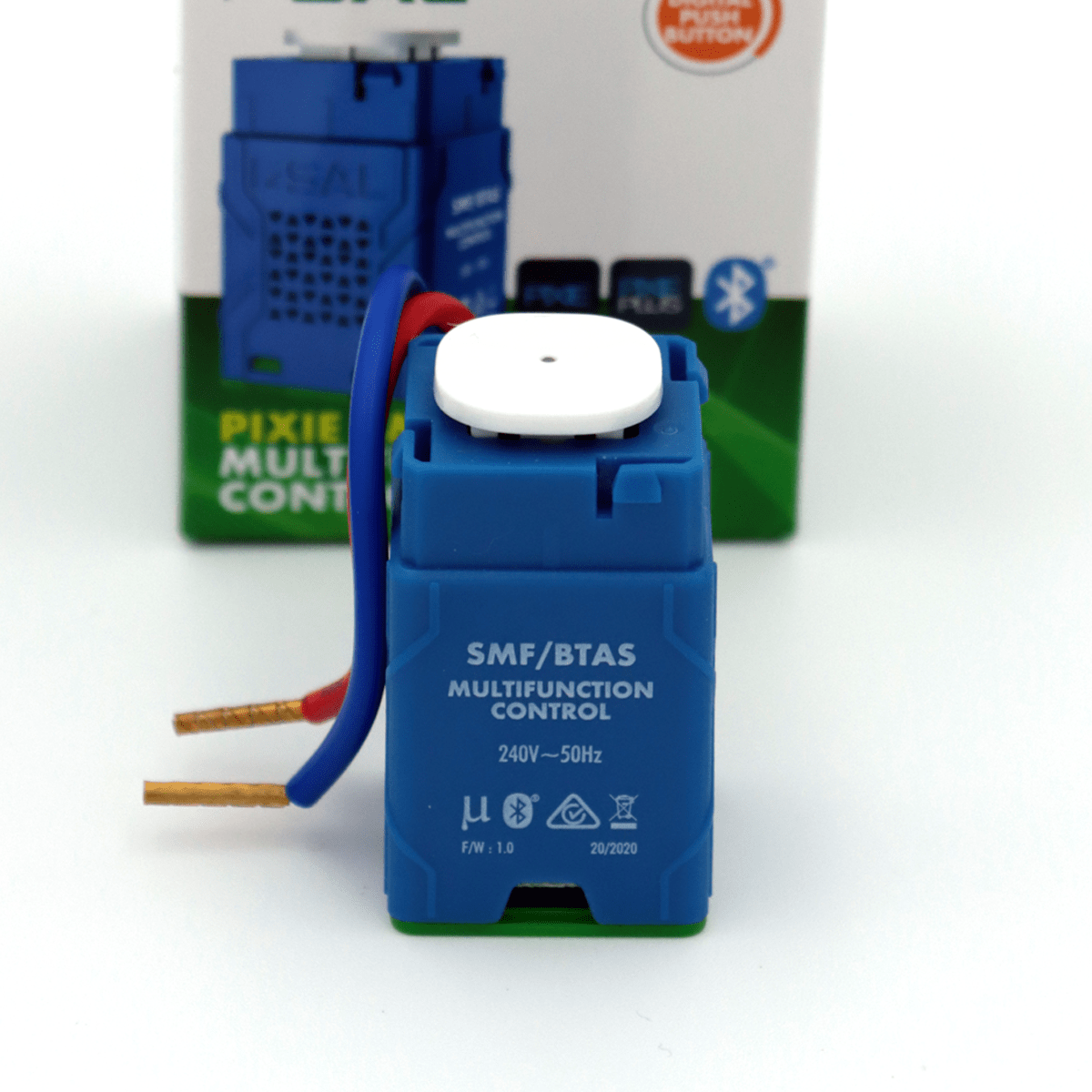
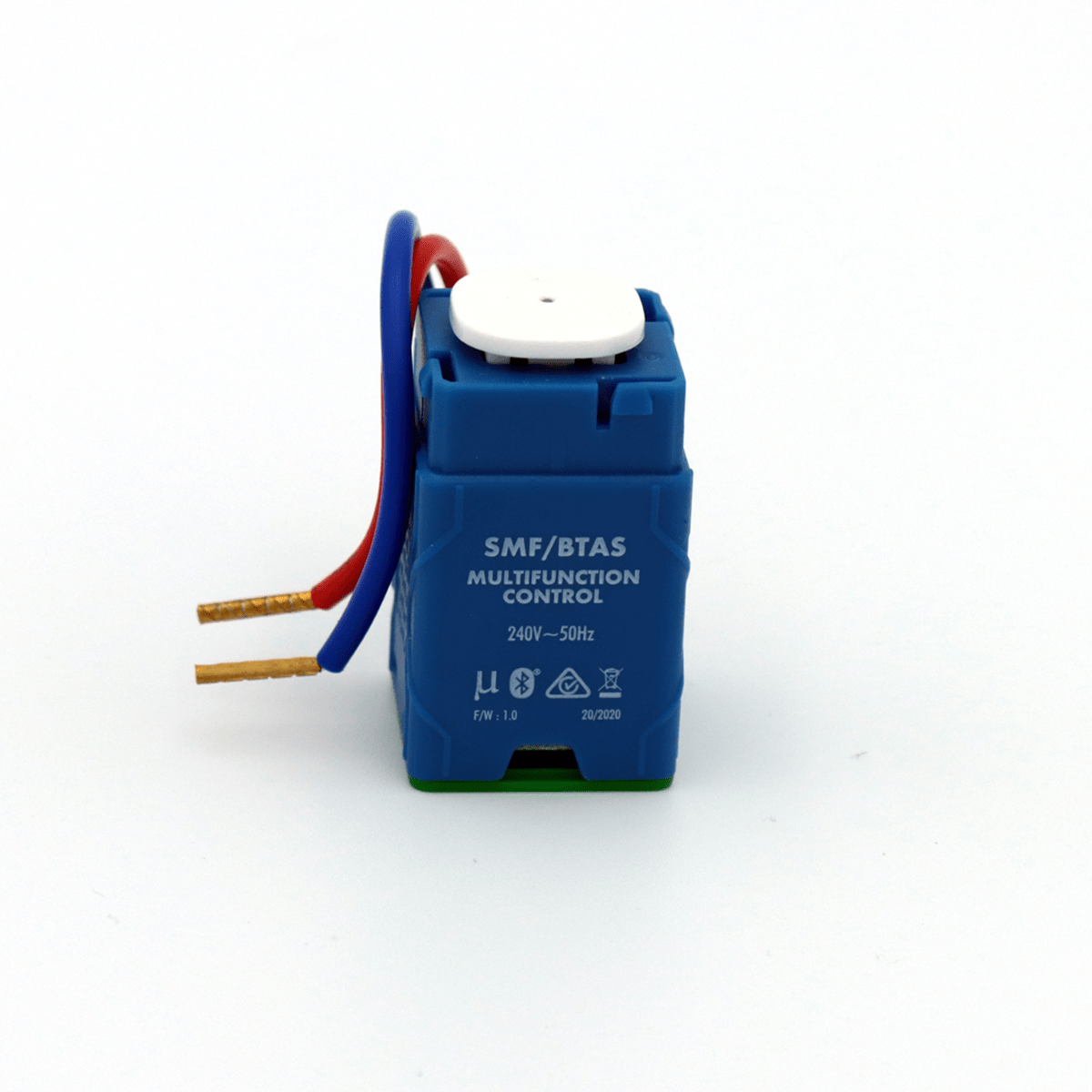
SAL PIXIE Multifunction Controller Gen3 – SMFBTAS

Points Received Following Purchase: 100 points
Points Needed to Claim Product: 1800 points
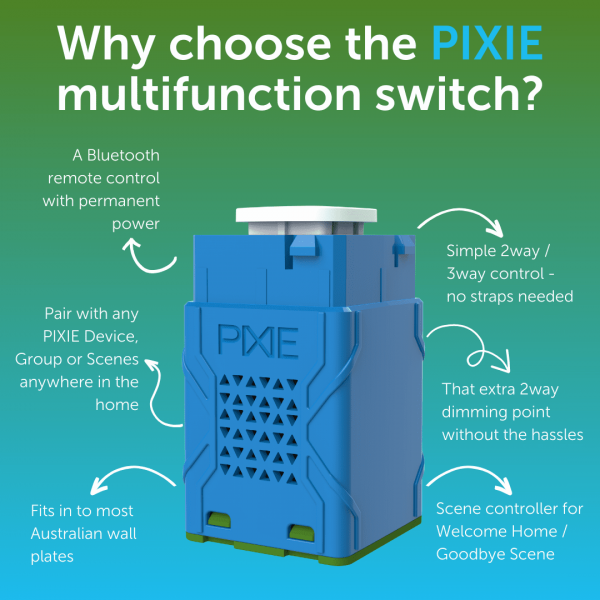
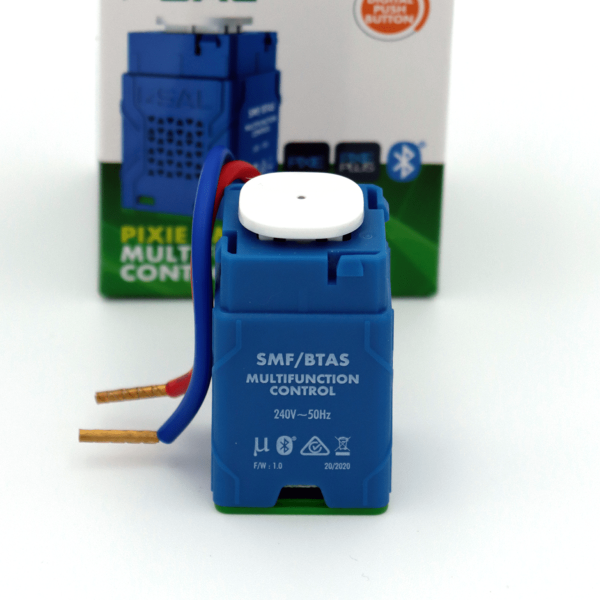
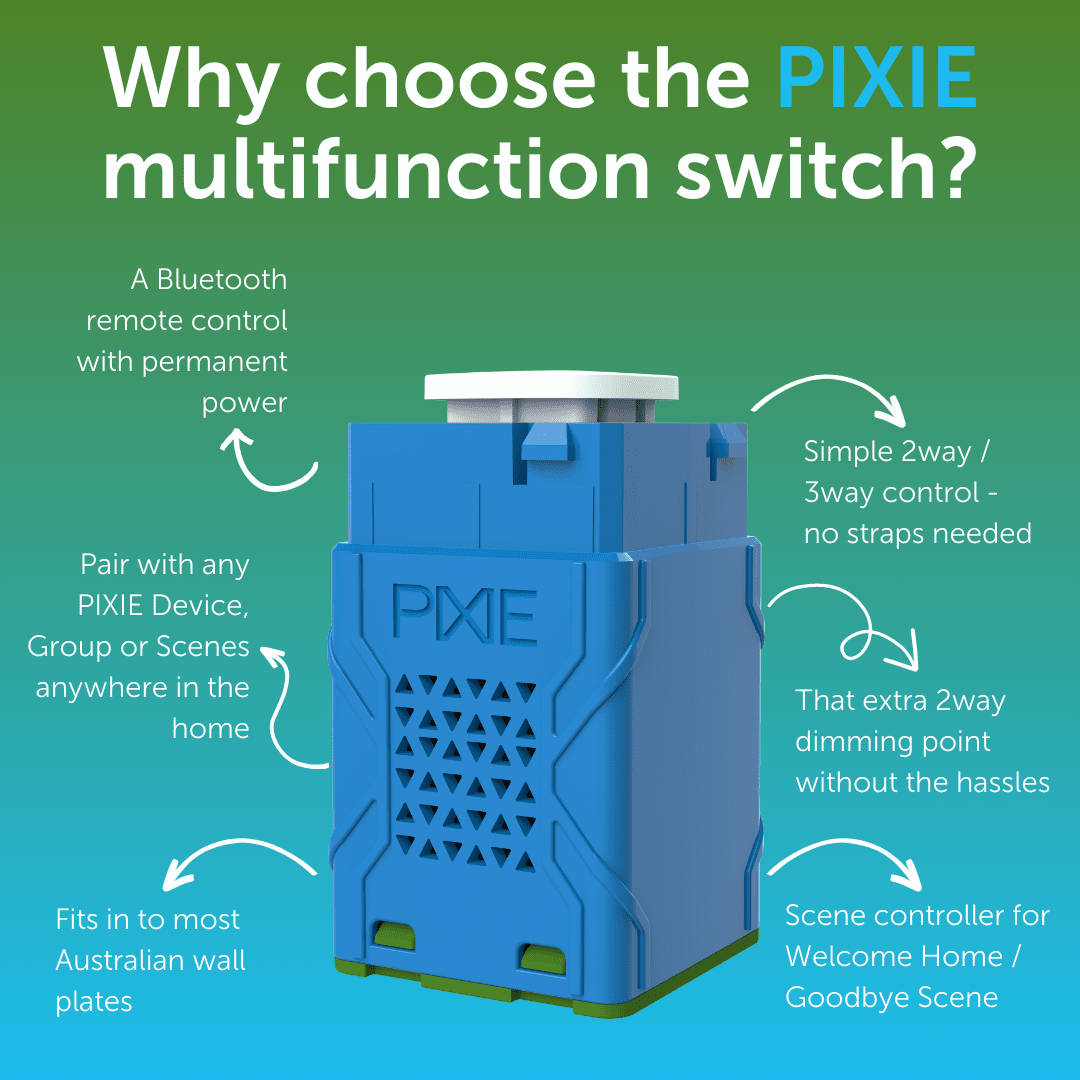
The SAL PIXIE Multifunction Controller Gen3 is a Bluetooth enabled device suitable for enabling control of any PIXIE devices anywhere in a PIXIE System.
With the ability to operate in two discreet modes – MIMIC switch or Scene Switch ( with single click and double click functionality) this updated Gen3 version delivers even more functionality to the PIXIE smart home ecosystem
The SAL PIXIE Multifunction Controller Gen3 has the complete SAL PIXIE features set and is controllable via Bluetooth from the SAL PIXIE and PIXIE PLUS Apps.
- Backwards compatible with all G1 and G2 products
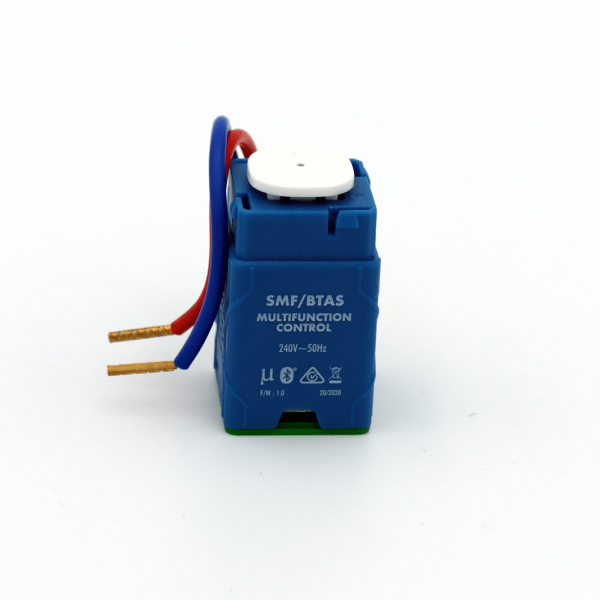
- Tails not terminals, making it easier to fit into tighter spaces
- Switch cap compatibility across all products
- New G3 (Gen 3) switch tech for further improved performance
- Amber light mode now available